
- Dec 28, 2025
- 8 min read
How Browser-Based AI Transcription Is Replacing Clunky Desktop Software for Meetings and Lectures
Standalone transcription tools are losing ground to lightweight browser extensions that convert audio and video to text in real time. Here is why the shift is happening and how professionals are adapting.
Real-time transcription used to require expensive desktop software, cloud uploads, or dedicated hardware. A 2024 report from the National Institute of Standards and Technology (NIST) found that modern speech-recognition systems now achieve word-error rates below five per cent in controlled environments — a benchmark once reserved for human transcribers. That accuracy, combined with lightweight browser-based delivery, means professionals no longer need to install bulky applications or trust sensitive audio to third-party cloud servers. Tools like ForSocials' Transcribe feature process audio directly inside the browser, keeping your recordings private while producing accurate text in seconds.
The practical impact is enormous for anyone who sits through meetings, lectures, or interviews. Research from Stanford's Human-Centered AI Institute highlights that AI transcription frees cognitive resources: instead of frantically scribbling notes, participants can focus on the conversation and review a complete transcript afterwards. For students, this means better comprehension during lectures. For professionals, it means fewer action items slipping through the cracks. The key advantage of a browser extension over a standalone app is zero friction — you do not need to export a file, upload it, or wait for processing. The transcript appears while the audio plays.
Privacy is the elephant in the room. Many popular transcription services upload your audio to remote servers for processing, which raises serious concerns for anyone transcribing confidential meetings, medical consultations, or legal proceedings. The W3C Web Speech API specification laid the groundwork for in-browser speech recognition, and extensions like ForSocials build on that foundation to process audio locally. No file ever leaves your machine, which aligns with data-protection frameworks such as GDPR and HIPAA without requiring separate compliance infrastructure.
Workflow integration is where browser-based transcription truly shines. Once you have a transcript, you can copy it directly into a document, paste it into ForSocials' Rewriter for a polished summary, or feed key points into the Chat with AI panel to generate follow-up emails. This eliminates the export-import dance that standalone tools force on users. A single browser tab becomes your transcription booth, editor, and AI assistant simultaneously — a workflow that simply was not possible two years ago.
Accuracy depends on context. Background noise, multiple speakers, and technical jargon all affect output quality. The best practice is to use a decent microphone, mute participants who are not speaking, and review the transcript promptly while the meeting is fresh. For specialised vocabulary — medical terms, legal citations, or engineering acronyms — a quick manual pass after transcription catches the small percentage of errors that any system produces. Over time, AI models continue to improve, and the gap between human and machine accuracy narrows with every update.
If your current workflow involves downloading audio files, uploading them to a transcription service, waiting for results, and then copying text back into your notes app, you are spending time on logistics instead of analysis. Browser-based transcription with ForSocials collapses those steps into one: play the audio, read the transcript, and move on. Try the Transcribe feature free — no account required, no data leaves your browser.
Sources & Further Reading
Was this post helpful?
Explore Related Features
Transcribe
Instantly transcribe any audio or video content directly in your browser. Paste a link or play media on any webpage and get an accurate text transcript in seconds.
Learn MoreRelated workflows
If you want to go deeper, explore AI Chrome extension and AI transcription to connect this topic to the broader ForSocials workflow.
Related articles
The AI Rewriter That Gives You 3 Professional Alternatives in Seconds
Nov 26, 2025
AI Email Rewriter for Outreach, Follow-Ups, and Professional Messages
Apr 9, 2026
Chat with AI on Any Website — Without Opening a New Tab
Dec 3, 2025
How to Write Better LinkedIn Replies With AI Without Sounding Generic
Apr 11, 2026
Why Your Emails Sound Wrong (And the AI Fix That Takes 10 Seconds)
Dec 10, 2025
Why Most AI Writing Tools Are Quietly Training on Your Emails (And What to Do About It)
Dec 10, 2025
AI Writing Workflows That Save Time Without Making Your Writing Sound Robotic
Apr 5, 2026
Reply Guy: How AI-Powered One-Click Replies Are Changing Social Media Engagement
Nov 12, 2025
Best AI Chrome Extension for LinkedIn Prospecting and Faster Outreach Workflows
Apr 9, 2026
Best AI Tools for Social Media Engagement When You Want Faster Replies and Better Flow
Apr 4, 2026
The 7 Best AI Chrome Extensions for Productivity in 2025 (Tested and Compared)
Feb 5, 2026
Best LinkedIn Comment Examples for More Engagement Without Sounding Forced
Apr 12, 2026

Best X Reply Examples for Faster Engagement Without Sounding Forced
Apr 14, 2026
Browser AI Assistant vs Switching Tabs: Which Workflow Actually Saves Time?
Apr 8, 2026
The Science Behind Viral Threads: How AI-Generated Thread Structures Outperform Single Posts on X
Jan 15, 2026
Canned Responses for Customer Support That Still Feel Human
Apr 7, 2026
Stop Switching Tabs: How to Use AI While You Browse (Without Losing Your Place)
Dec 10, 2025
How to Answer Reddit Threads More Helpfully With AI
Apr 14, 2026

How to Build a Better Instagram Caption Workflow With AI
Apr 14, 2026
How to Build a Better X Reply Workflow With AI
Apr 14, 2026
How to Build a Reusable Support Reply Library That Saves Time Every Week
Apr 8, 2026
How to Comment on Instagram Posts Consistently Without Burning Out
Apr 11, 2026
How to Reply on X Faster Without Sounding Like Everyone Else
Apr 14, 2026
How to Rewrite Follow-Up Emails With AI So They Sound Clearer and More Professional
Apr 10, 2026
How to Turn Rough Notes Into LinkedIn Posts With AI
Apr 14, 2026
How to Use AI for Reddit Replies Without Sounding Fake
Apr 14, 2026
How to Write Instagram Captions Faster With AI
Apr 14, 2026
How to Write LinkedIn Posts With AI That Still Sound Like You
Apr 14, 2026
How to Write X Threads Faster Without Losing Structure
Apr 5, 2026
Instagram Caption Examples That Are Better Than Basic Prompts
Apr 14, 2026
Instagram Comment Strategy for Creators: How to Engage Faster Without Repeating Yourself
Apr 10, 2026
LinkedIn Post Examples for Thought Leadership That Don't Sound Fake
Apr 14, 2026
Meeting Transcription in the Browser: A Faster Workflow for Notes and Follow-Ups
Apr 6, 2026
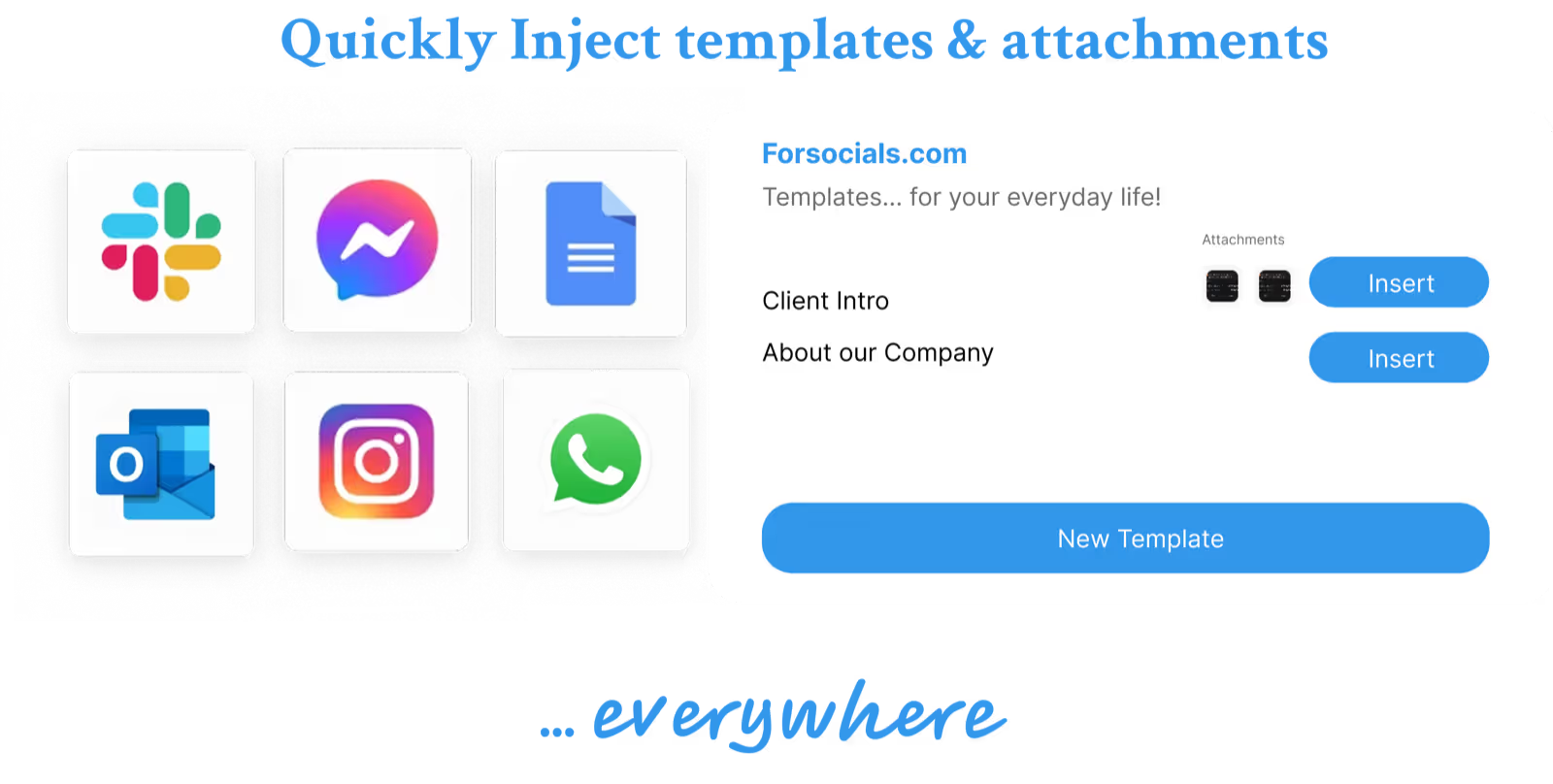
Templates: Save, Reuse, and Never Type the Same Response Twice
Nov 19, 2025
Reddit Comment Examples That Feel Helpful, Not Generic
Apr 14, 2026
How to Reply to 50 Social Media Posts in Under 10 Minutes (Without Sounding Like a Bot)
Dec 10, 2025
The Hidden Cost of Typing the Same Message Twice (and How to Stop)
Dec 10, 2025
How to Build a Social Media Engagement Strategy That Actually Works (With AI Assistance)
Feb 20, 2026
Speech to Text for Meetings Without Leaving the Browser
Apr 7, 2026
How to Turn Notes Into an X Thread With AI
Apr 6, 2026
How to Match Your Reddit Reply to the Thread Context
Apr 26, 2026
How to Stay Consistent on X Without Reply Burnout
Apr 26, 2026
How to Write LinkedIn Hooks That Don’t Feel Forced
Apr 26, 2026
Instagram Caption Formulas for Creators and Brands
Apr 26, 2026
Instagram Caption Hooks for Reels and Carousel Posts
Apr 26, 2026
LinkedIn Post Structure for Founders and Creators
Apr 26, 2026
When to Reply on Reddit and When to Skip a Thread
Apr 26, 2026
X Reply Hooks That Start Better Conversations
Apr 26, 2026