
- Apr 14, 2026
- 6 min read
Best X Reply Examples for Faster Engagement Without Sounding Forced
Examples and patterns for writing better replies on X with AI while keeping your tone sharp, relevant, and natural.
The easiest way to improve your replies on X is to stop trying to sound impressive and start trying to sound useful. Good replies are often simple. They agree with a sharper point, add one concrete example, or offer a respectful pushback that makes the thread more interesting. That is exactly where an AI X reply generator becomes helpful.
One reply pattern that works well is the 'specific agreement.' Instead of saying 'great point,' you name the exact idea you agree with and explain why it matters. Another useful pattern is the 'practical extension,' where you add one example, lesson, or edge case that helps the original post go a little further. Those structures make your replies feel more like participation and less like noise.
The biggest risk on X is speed without intention. A fast reply that says nothing gets ignored. A slightly slower reply with one clear angle performs better because it gives people a reason to keep reading. AI helps most when it gives you multiple directions quickly so you can choose the one that actually fits the post.
This is also why the broader AI reply generator and the narrower AI X reply generator should both exist. The broader page supports multi-platform engagement. The X page narrows the workflow to threads, hot takes, and short public conversations where timing matters more.
If you also post your own ideas, replies should feed your content engine rather than sit outside it. The AI thread generator helps with the publishing side, while X reply workflows help you stay visible between posts. That combination is what makes the platform feel sustainable over time.
The simplest test for a strong X reply is whether it would still make sense if someone quoted only your comment. If it stands on its own and still feels tied to the original conversation, you are in a good place. If you want the landing page for that exact workflow, use the AI X reply generator.
Was this post helpful?
Explore Related Features
Reply Guy
Generate contextual replies on Instagram, Facebook, X, LinkedIn and Reddit with this AI reply generator. ForSocials shows Agree, Disagree, and Congratulate buttons below each post so you can respond instantly with AI-generated replies. Each click gives you 3 suggestions tailored to the conversation.
Learn MoreRelated workflows
If you want to go deeper, explore AI reply generator , X replies and AI thread generator to connect this topic to the broader ForSocials workflow.
Related articles
The AI Rewriter That Gives You 3 Professional Alternatives in Seconds
Nov 26, 2025
AI Email Rewriter for Outreach, Follow-Ups, and Professional Messages
Apr 9, 2026

Chat with AI on Any Website — Without Opening a New Tab
Dec 3, 2025
How to Write Better LinkedIn Replies With AI Without Sounding Generic
Apr 11, 2026
Why Your Emails Sound Wrong (And the AI Fix That Takes 10 Seconds)
Dec 10, 2025

How Browser-Based AI Transcription Is Replacing Clunky Desktop Software for Meetings and Lectures
Dec 28, 2025
Why Most AI Writing Tools Are Quietly Training on Your Emails (And What to Do About It)
Dec 10, 2025

AI Writing Workflows That Save Time Without Making Your Writing Sound Robotic
Apr 5, 2026
Reply Guy: How AI-Powered One-Click Replies Are Changing Social Media Engagement
Nov 12, 2025
Best AI Chrome Extension for LinkedIn Prospecting and Faster Outreach Workflows
Apr 9, 2026
Best AI Tools for Social Media Engagement When You Want Faster Replies and Better Flow
Apr 4, 2026
The 7 Best AI Chrome Extensions for Productivity in 2025 (Tested and Compared)
Feb 5, 2026
Best LinkedIn Comment Examples for More Engagement Without Sounding Forced
Apr 12, 2026
Browser AI Assistant vs Switching Tabs: Which Workflow Actually Saves Time?
Apr 8, 2026

The Science Behind Viral Threads: How AI-Generated Thread Structures Outperform Single Posts on X
Jan 15, 2026
Canned Responses for Customer Support That Still Feel Human
Apr 7, 2026
Stop Switching Tabs: How to Use AI While You Browse (Without Losing Your Place)
Dec 10, 2025
How to Answer Reddit Threads More Helpfully With AI
Apr 14, 2026
How to Build a Better Instagram Caption Workflow With AI
Apr 14, 2026
How to Build a Better X Reply Workflow With AI
Apr 14, 2026
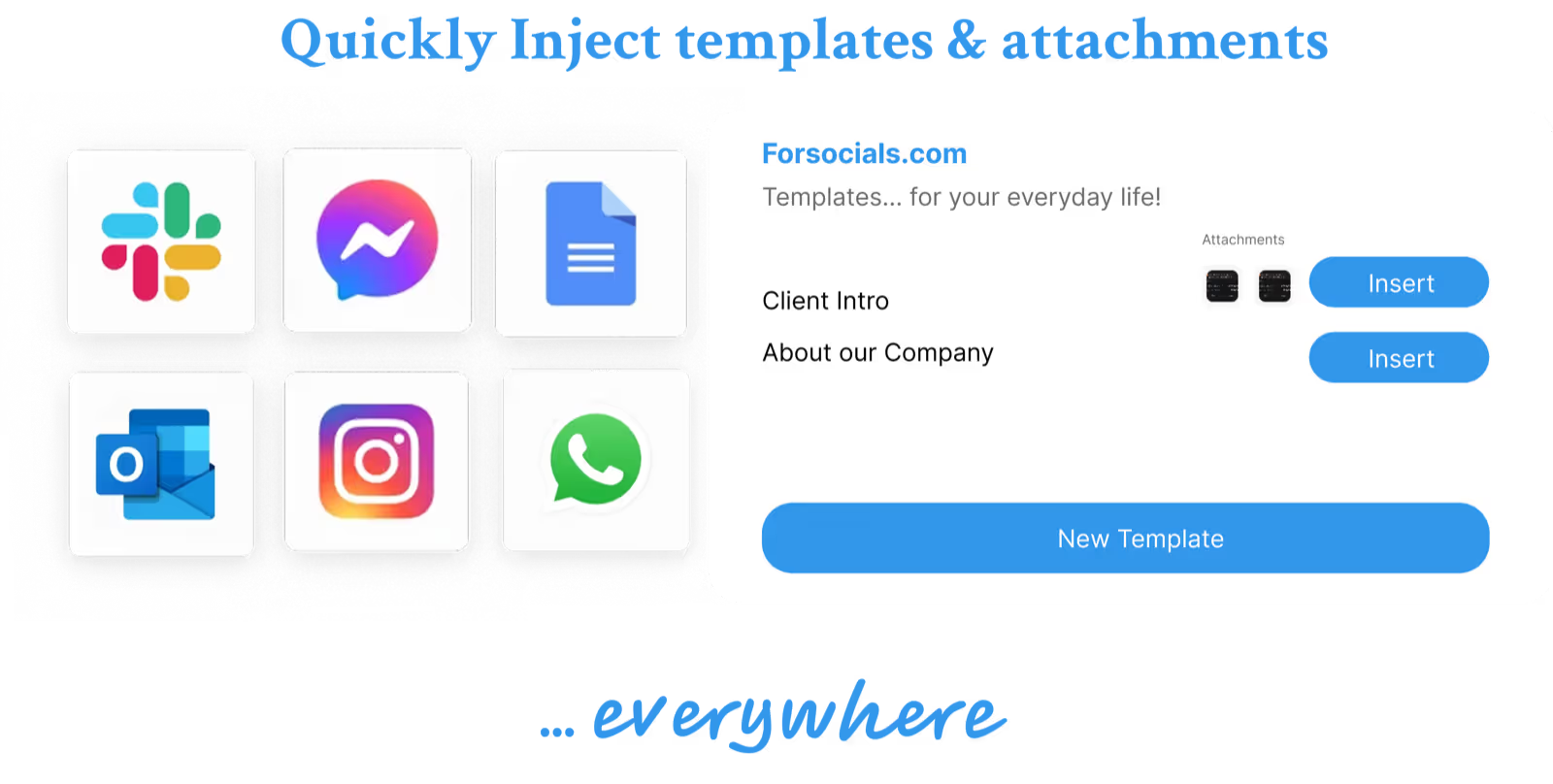
How to Build a Reusable Support Reply Library That Saves Time Every Week
Apr 8, 2026
How to Comment on Instagram Posts Consistently Without Burning Out
Apr 11, 2026
How to Reply on X Faster Without Sounding Like Everyone Else
Apr 14, 2026
How to Rewrite Follow-Up Emails With AI So They Sound Clearer and More Professional
Apr 10, 2026
How to Turn Rough Notes Into LinkedIn Posts With AI
Apr 14, 2026
How to Use AI for Reddit Replies Without Sounding Fake
Apr 14, 2026
How to Write Instagram Captions Faster With AI
Apr 14, 2026
How to Write LinkedIn Posts With AI That Still Sound Like You
Apr 14, 2026
How to Write X Threads Faster Without Losing Structure
Apr 5, 2026
Instagram Caption Examples That Are Better Than Basic Prompts
Apr 14, 2026
Instagram Comment Strategy for Creators: How to Engage Faster Without Repeating Yourself
Apr 10, 2026
LinkedIn Post Examples for Thought Leadership That Don't Sound Fake
Apr 14, 2026
Meeting Transcription in the Browser: A Faster Workflow for Notes and Follow-Ups
Apr 6, 2026
Templates: Save, Reuse, and Never Type the Same Response Twice
Nov 19, 2025
Reddit Comment Examples That Feel Helpful, Not Generic
Apr 14, 2026
How to Reply to 50 Social Media Posts in Under 10 Minutes (Without Sounding Like a Bot)
Dec 10, 2025
The Hidden Cost of Typing the Same Message Twice (and How to Stop)
Dec 10, 2025
How to Build a Social Media Engagement Strategy That Actually Works (With AI Assistance)
Feb 20, 2026
Speech to Text for Meetings Without Leaving the Browser
Apr 7, 2026
How to Turn Notes Into an X Thread With AI
Apr 6, 2026
How to Match Your Reddit Reply to the Thread Context
Apr 26, 2026
How to Stay Consistent on X Without Reply Burnout
Apr 26, 2026
How to Write LinkedIn Hooks That Don’t Feel Forced
Apr 26, 2026
Instagram Caption Formulas for Creators and Brands
Apr 26, 2026
Instagram Caption Hooks for Reels and Carousel Posts
Apr 26, 2026
LinkedIn Post Structure for Founders and Creators
Apr 26, 2026
When to Reply on Reddit and When to Skip a Thread
Apr 26, 2026
X Reply Hooks That Start Better Conversations
Apr 26, 2026